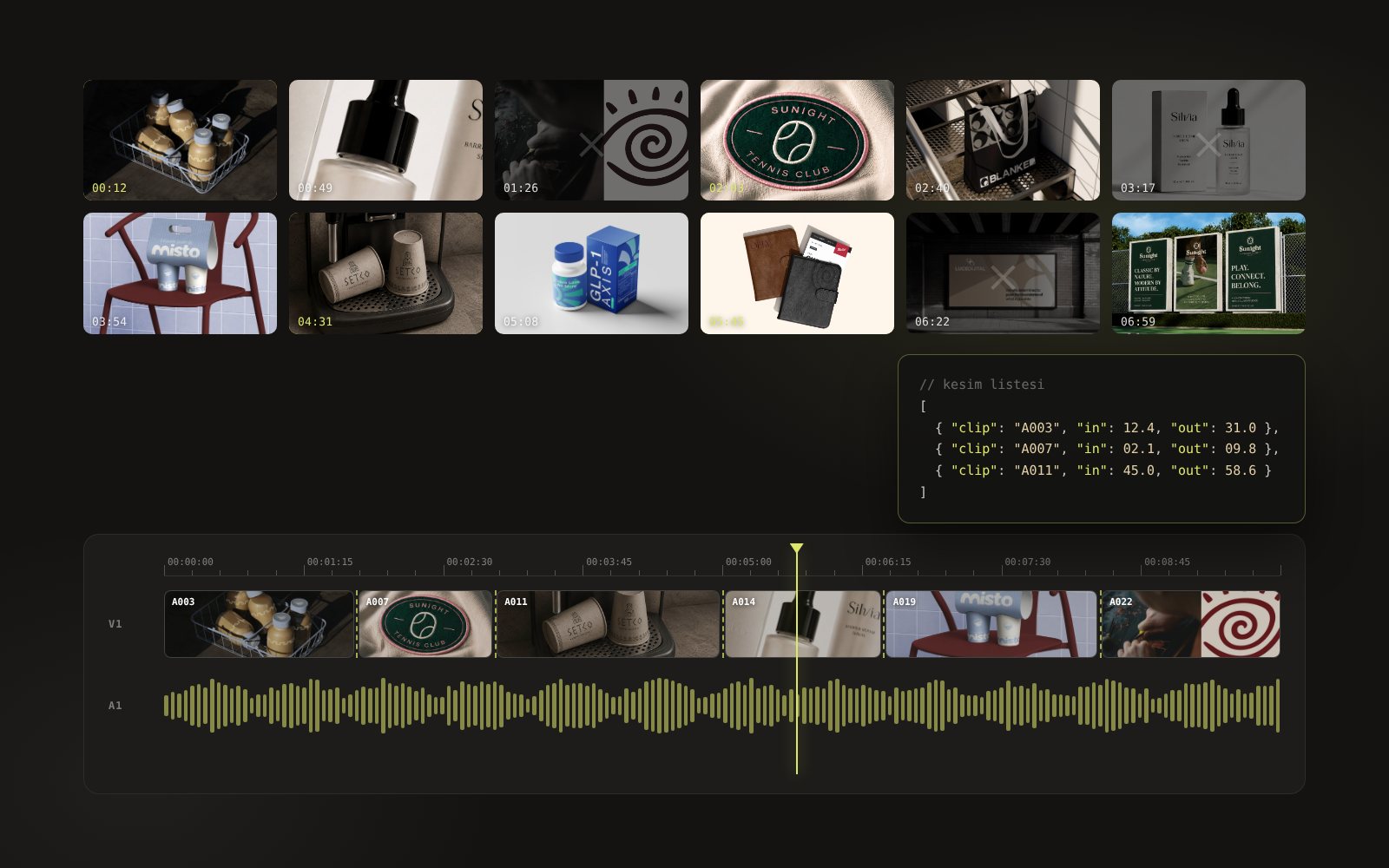
Designing with Claude MCPs: how Magnific, Higgsfield, Adobe and Framer save designers time

A year ago, designing with AI meant juggling five tabs: a chat tool for the brief, a generator for images, another tool for video, Photoshop for edits and a site builder for publishing. In 2026 that is changing fast. With MCP, an assistant like Claude can reach all of these tools from a single conversation. Here is what the Magnific, Higgsfield, Adobe and Framer connections do today, where a designer actually saves time, and where to be careful.
What MCP is and why it matters
MCP (Model Context Protocol) is an open standard that lets AI assistants talk to other software. Once a tool is connected, Claude can run actions in it with your account and your permission: it generates the image, cuts the video or updates the site and shows you the result in the same chat. Most connections take minutes via Customize > Connectors; generations use the tool's own credits or subscription.
Magnific (formerly Freepik)
According to its documentation, Magnific's MCP exposes 236 tools in 14 groups: image generation and upscaling, background removal, SVG conversion, video generation and grading, voice and music, 3D and the Freepik stock library. Brand kits keep colours, products and characters consistent across outputs. We produced the voiceovers for Dada Studio's own reels series through Magnific inside Claude. Every action uses credits, so ask for a cost estimate before video or batch jobs.
Higgsfield
Higgsfield's Claude connector gives access to 30+ image and video models, images up to 4K, video generation, upscaling, reframing, voiceover and dubbing, plus multi-step flows such as turning a product photo into an ad. It requires an active paid Higgsfield plan. Ask Claude to show the expected credit cost and wait for approval before each run.
Adobe
- Adobe for creativity connector (since April 2026): 50+ tools across Photoshop, Illustrator, Firefly, Express, Premiere, Lightroom, InDesign and Stock, from retouching to resizing video for platforms.
- Creative Cloud MCP (preview): shown at MAX 2026, it will let agents work directly in local Photoshop, Illustrator, Premiere and After Effects files with layers and vectors intact. Private beta is planned for early 2027. See our Adobe MAX 2026 piece.
Framer
Framer's official MCP server lets Claude and other tools work on the canvas, components, supported project settings and CMS, with no local bridge. Changes stay in the project or a branch until published, so you can compare the agent's branch with main first. Useful for CMS entries, landing page variants, localisation and small copy updates.
Four example workflows
- Campaign launch: brief in Claude, stock and key visual from Magnific, resizing with Adobe, a campaign page on a Framer branch.
- E-commerce content: one studio photo turned into scene images and 9:16 clips with Higgsfield; Claude writes descriptions and captions.
- Weekly social pack: calendar in Claude, visuals tied to the brand kit, voice and music from Magnific.
- Client revisions: one instruction applied across every format.
Where the time is really saved
MCPs speed up production and adaptation, not ideas: resizing across formats, stock research, batch upscaling and cleanup, voiceover and video variations, CMS updates. Logos, identity and core concepts remain human decisions; we still draw logos by hand on a grid.
Watch out for
- Credits: estimate costs and keep an approval step.
- Brand consistency: a brand kit or written brand guidelines are now a core source for agents too.
- Review before publishing: Framer's branch model is a good example.
- Licensing and labelling: check each platform's commercial terms; see our piece on the EU AI Act and labelling.
- Account security: connections act with your permissions; add only official MCP URLs.
Bottom line
MCPs do not replace designers; they take repetitive work off their day. Small studios can approach big-agency output, and competition moves to ideas, taste and a consistent brand system. See our production and social media services or fill in the quote form.
Source: Magnific MCP documentation
Source: Higgsfield: Claude and Higgsfield MCP
Source: Adobe Blog, 28 April 2026
Source: TechCrunch, 10 November 2026